Visual tour
Day 1: First hour
Go from login to a Guided Lab in about an hour, using screenshots as the map.
Goal
Go from login to a Guided Lab in about an hour, using screenshots as the map.
Why start here
Blank canvases intimidate new users. Guided Labs give topology, configs, and a Guide so Start is useful immediately.
Storyboard
1. Sign in
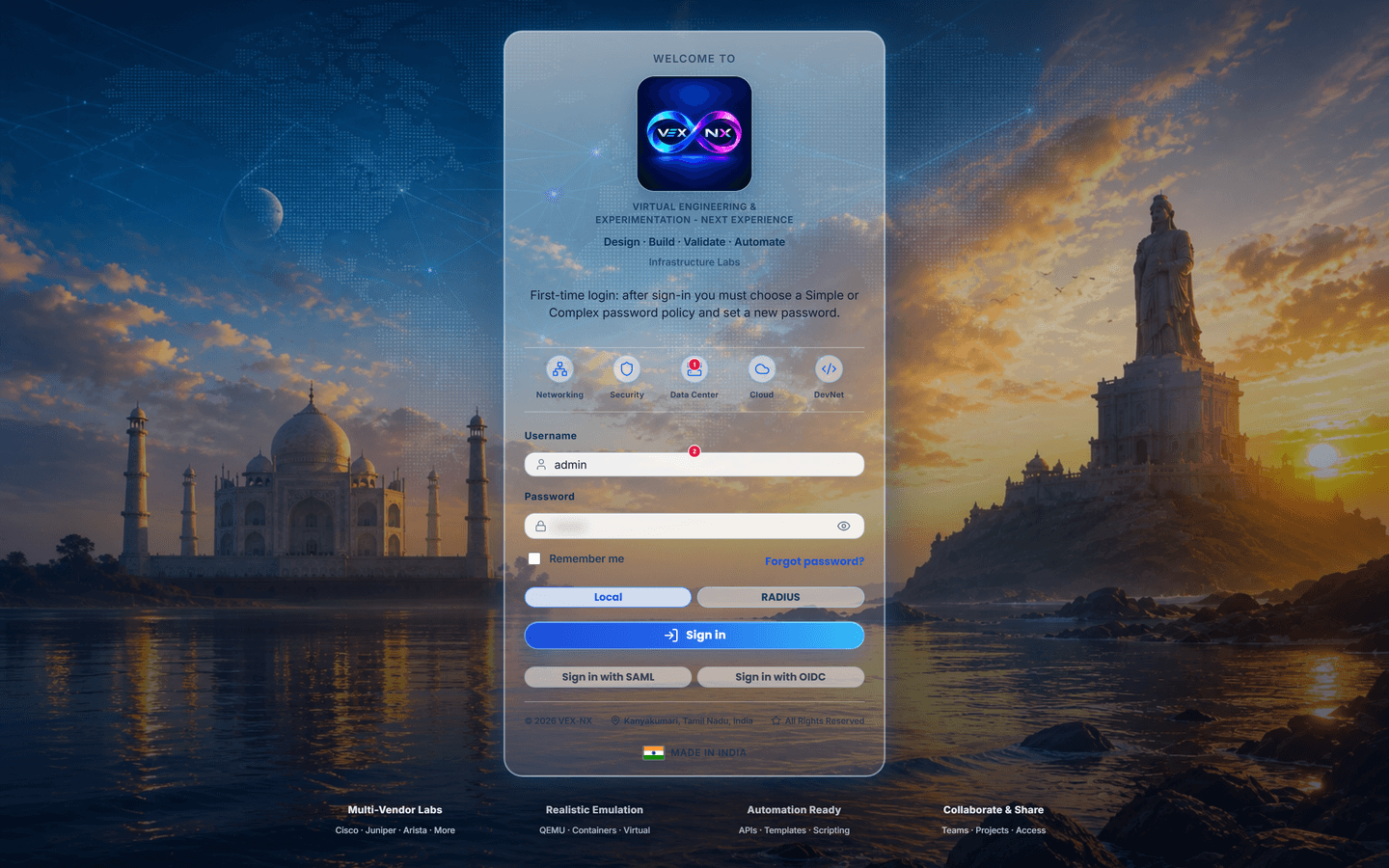
| What you see | Factory login form |
| Why it matters | Day-1 entry to the appliance |
| Try it | Open http://YOUR-APPLIANCE-IP/login |
| Cookbook | First login |
| Truth | Live UI |
2. Home dashboard
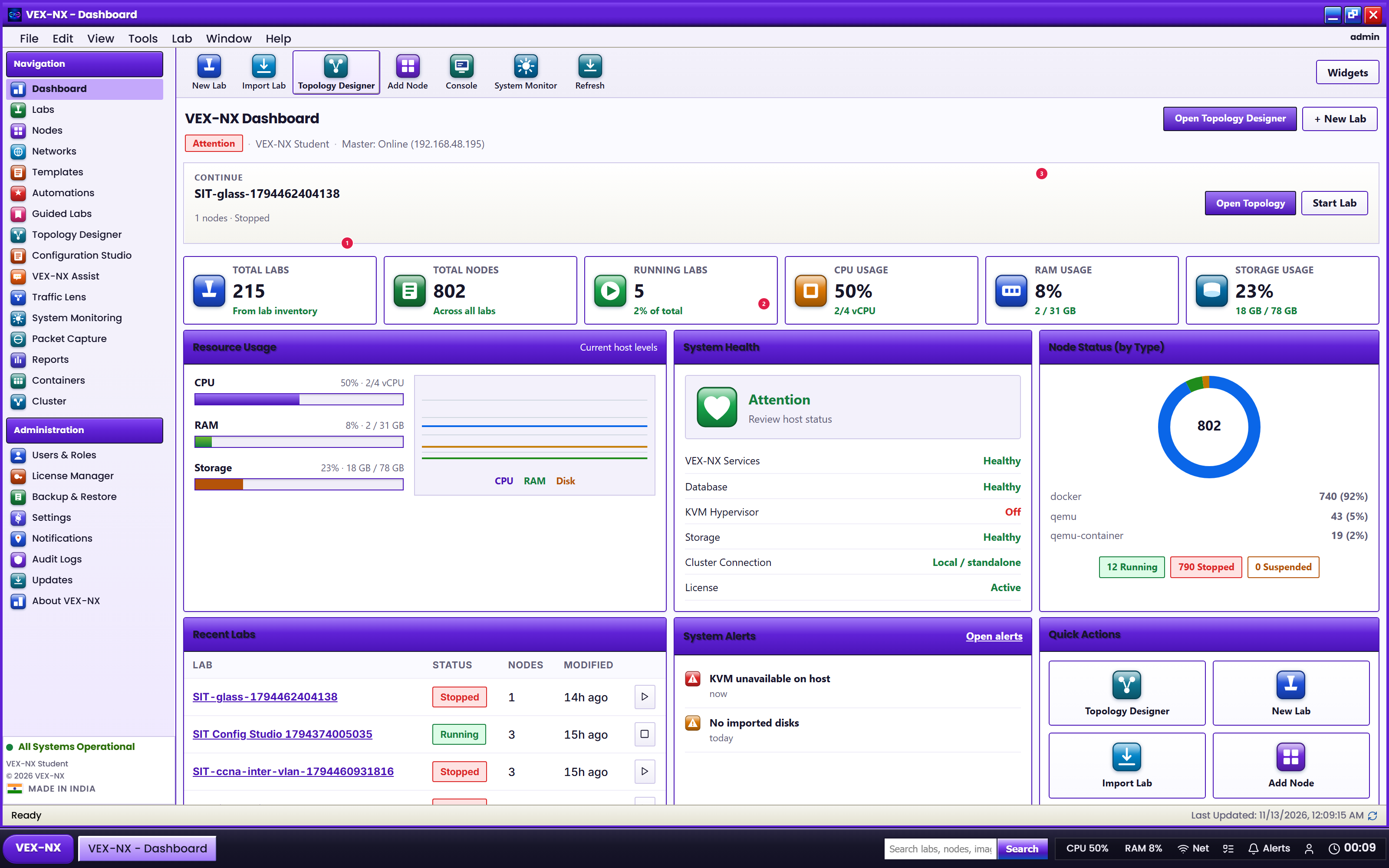
| What you see | Continue, Launch Budget, host checks |
| Why it matters | Confirm the host can run a lab before you open one |
| Try it | Sign in -> Home |
| Cookbook | Home |
| Truth | Live UI |
3. Labs manager
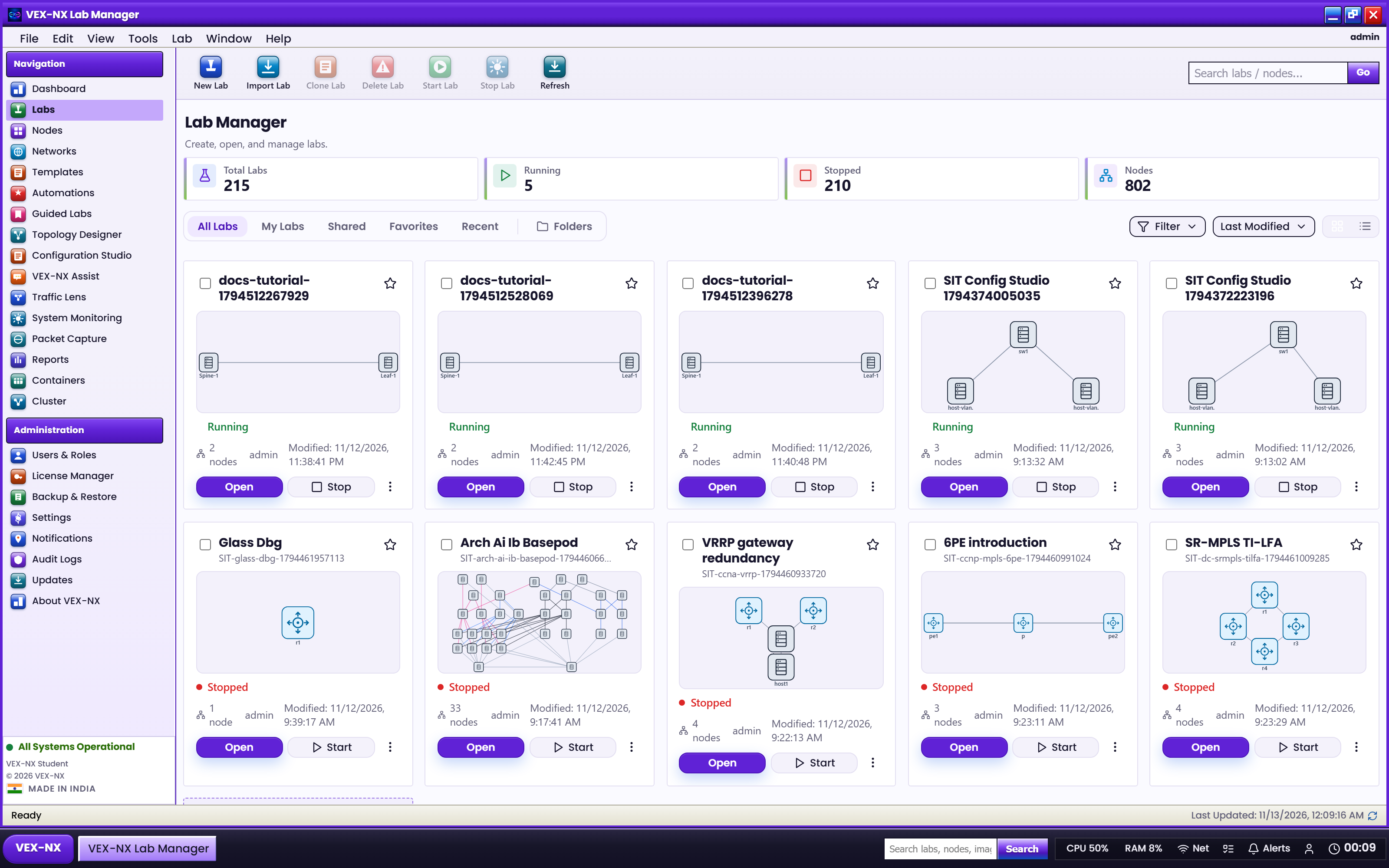
| What you see | Lab cards with Open and lifecycle actions |
| Why it matters | Find or create the topology you will teach |
| Try it | Sidebar -> Labs |
| Cookbook | Labs page |
| Truth | Live UI |
4. Guided Labs catalog
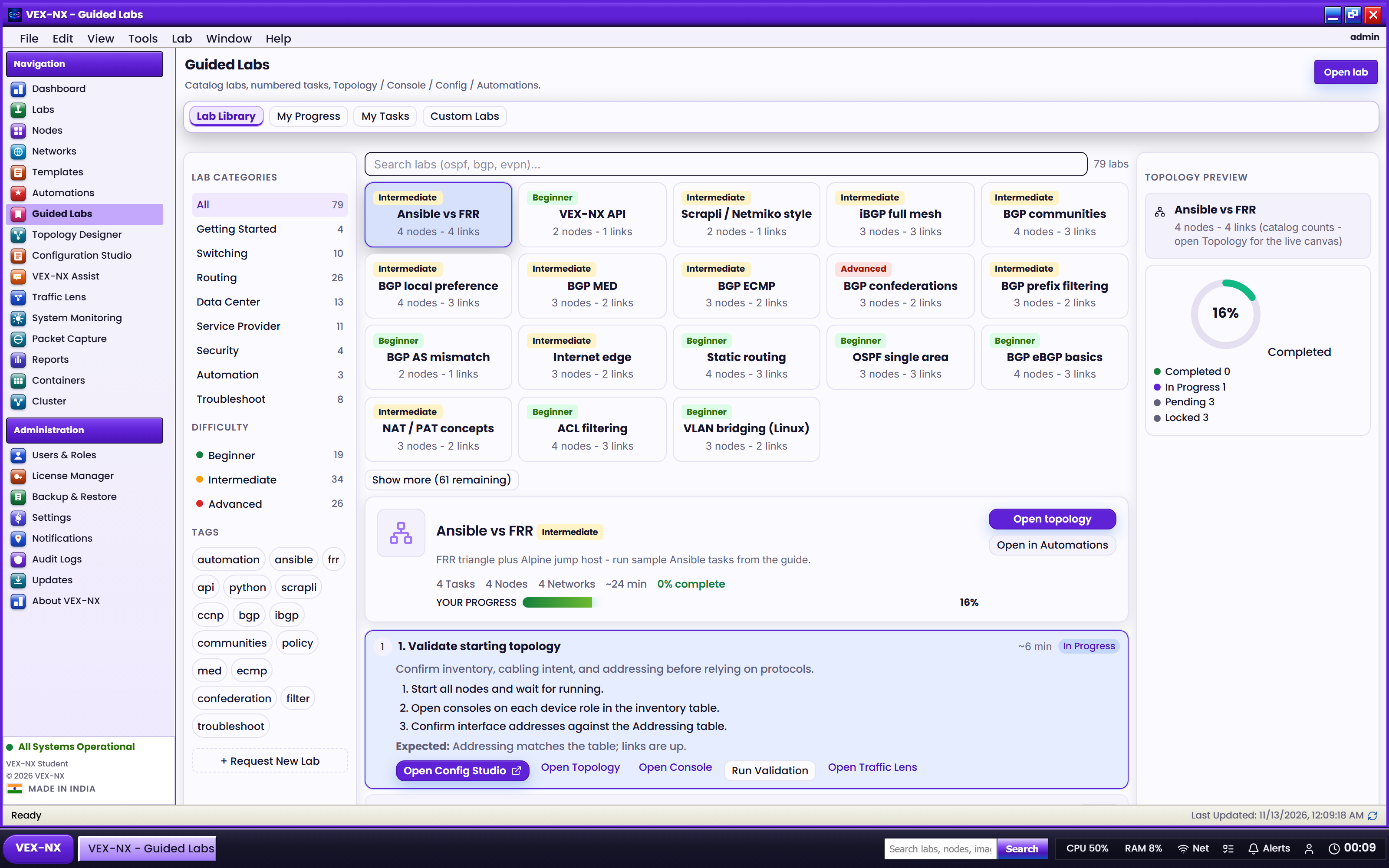
| What you see | Teaching packs with Guide |
| Why it matters | Fastest day-1 protocol lab |
| Try it | Sidebar -> Guided Labs |
| Cookbook | Guided Labs |
| Truth | Live UI |
5. Images library (optional)
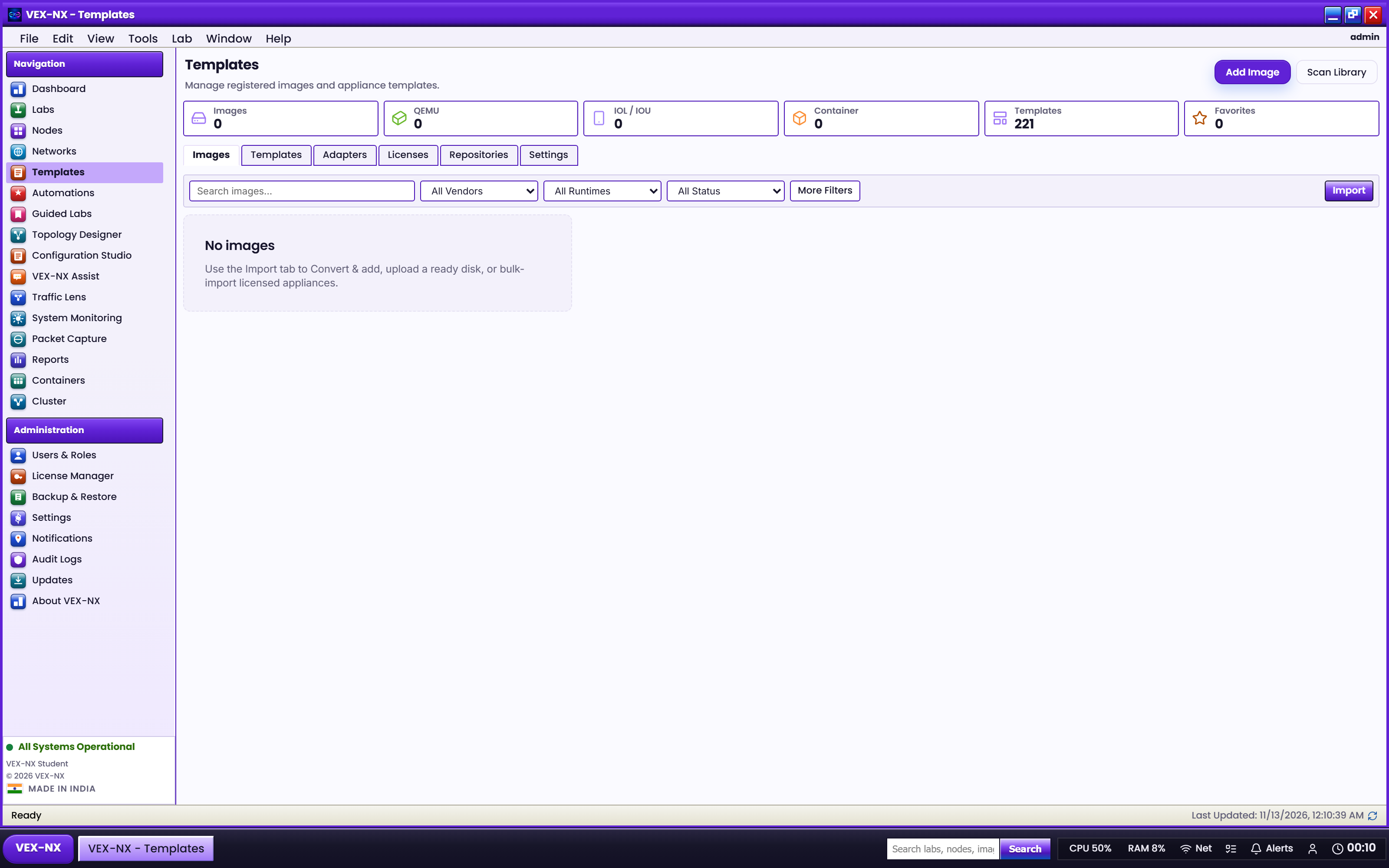
| What you see | Registered disks |
| Why it matters | QEMU vendor images need Library files before Design |
| Try it | Sidebar -> Templates / Images |
| Cookbook | Library |
| Truth | Live UI |
Next
Day 2: Build and operate