Classroom
Classroom for instructors
Run a shared class on one appliance without chaos.
Goal
Run a shared class on one appliance without chaos.
Before class checklist
- Size the host for concurrent nodes (Sizing and upgrades)
- Activate Enterprise if you need class timers, PDF, Proctor, and auto-grade (Licence)
- Create student users (Users, roles, and quotas)
- Import required images before class (Bulk folder import)
- Build a gold lab; share it per Sharing labs and class timers
- Confirm FRR/Alpine seeds if using FOSS starters (
sudo vexnx-seed-docker) - Confirm
/dev/kvmfor QEMU labs
During class
| Task | Where |
|---|---|
| Share / timer | Lab -> workspace Classroom |
| Broadcast, grade, PDF, Proctor | Instructor dashboard |
| Prefer Stop vs Wipe | Timer Then action, or Operate Stop all |
| Watch capacity | Home Launch Budget / disk free |
| External consoles | Client Pack for SecureCRT/PuTTY when students need it |
After class
- Stop labs; optionally wipe student nodes
- Export useful topologies as lab packs when your edition supports it
- Use Classroom Export PDF for a printable session snapshot when needed
Expected result
- Students open the shared lab without rebuilding
- Timers enforce Stop/Wipe at the deadline
- Dashboard lists only shared or timed labs
If it fails
- No Classroom feature -> Student edition; share may still work without timers
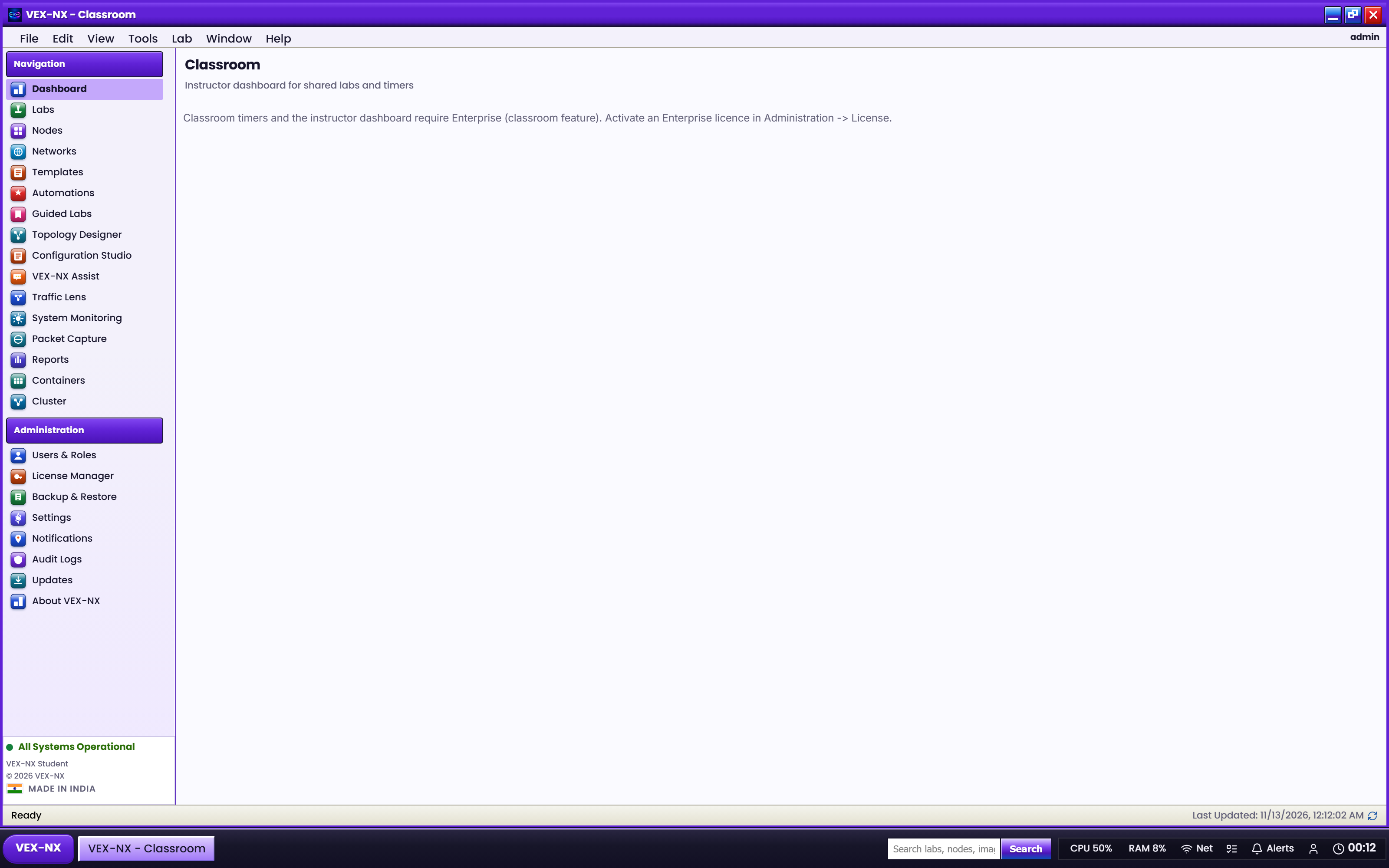
- Dashboard empty -> share the lab or start a timer
- Host pressure -> reduce concurrent QEMU nodes; see sizing guide
Related
- Sharing labs and class timers
- Instructor dashboard
- Maintenance