Run labs
VEX-NOS Adaptive Runtime
For Exact **iosv** / **iosvl2**, Add-node offers two choices only:
Goal
For Exact iosv / iosvl2, Add-node offers two choices only:
| Choice | What runs |
|---|---|
| Exact (QEMU) | Vendor QEMU guest (reference) |
| VEX-NX-NOS-R100 or VEX-NX-NOS-S100 | Independent VEX-NX-NOS Lite (Docker) |
IOL stays a separate catalog template - not nested under iosv.
GUI tutorial
Step 1 - Open Design palette
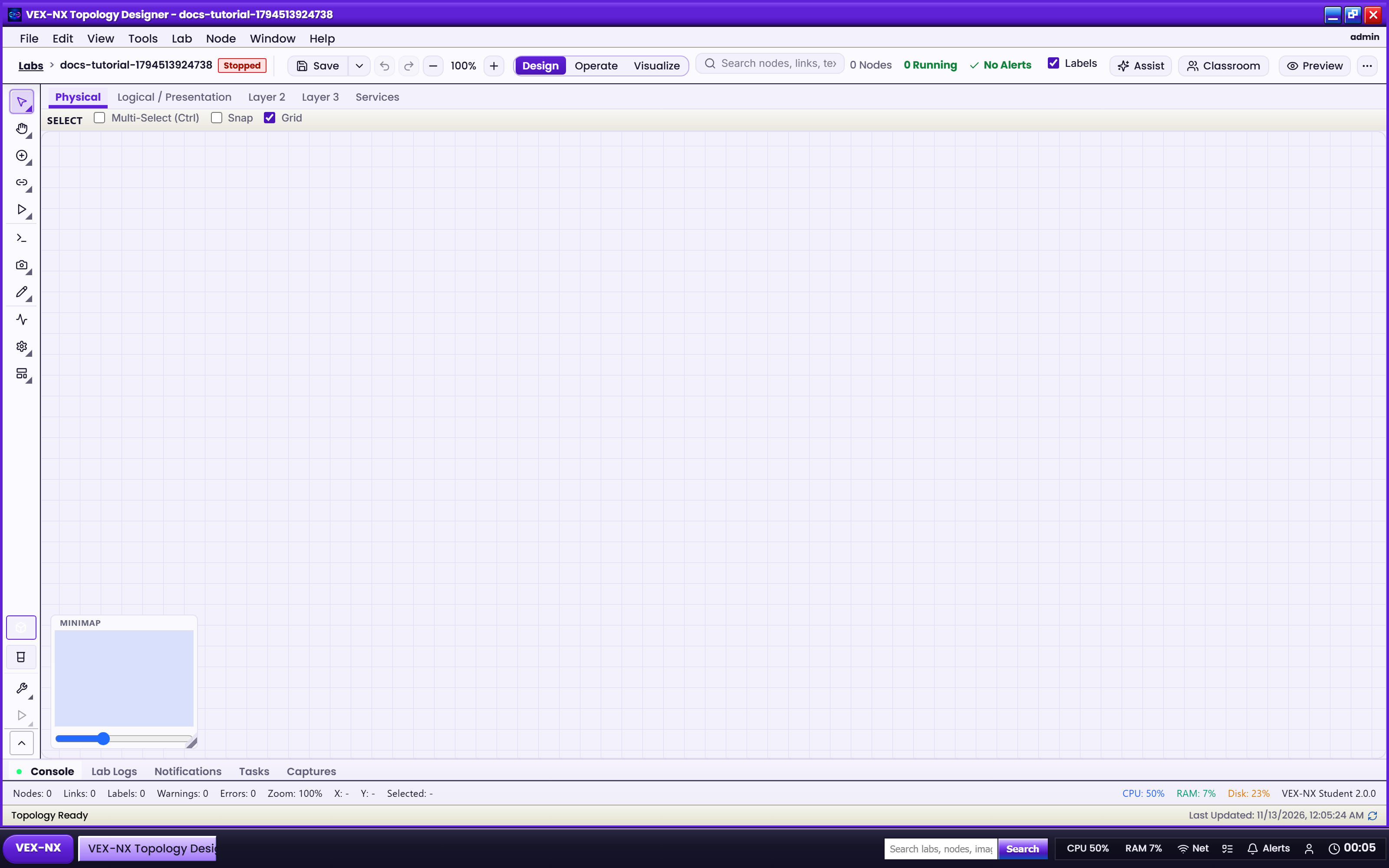
- Open a lab -> Design
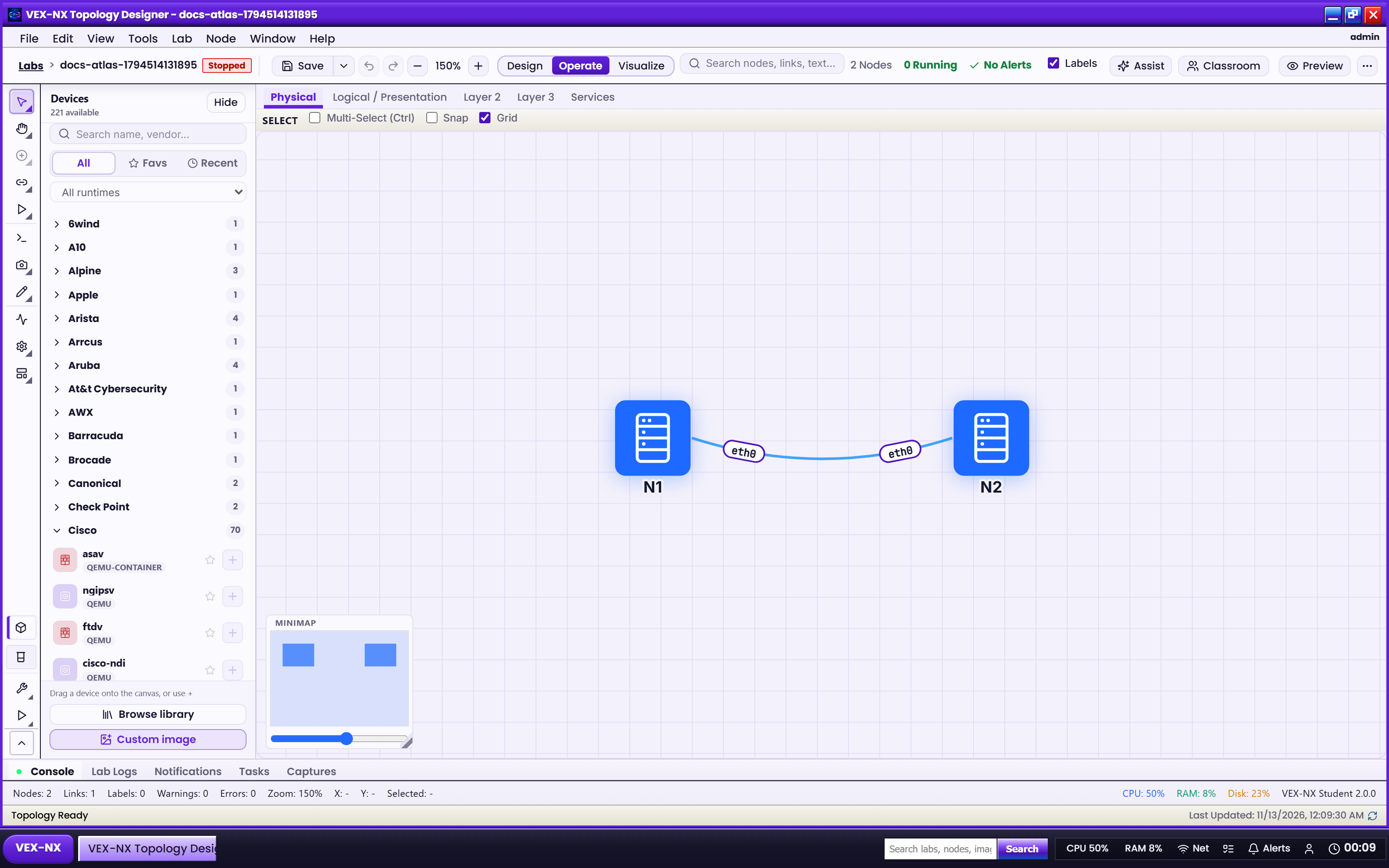
- Search the palette for iosv / iosvl2 or VEX-NX-NOS
Step 2 - Pick Exact vs Lite when adding
- Add-node dialog: choose Exact (QEMU) or VEX-NX-NOS-R100/S100
- Place the node and connect links - Design mode
Step 3 - Start and console
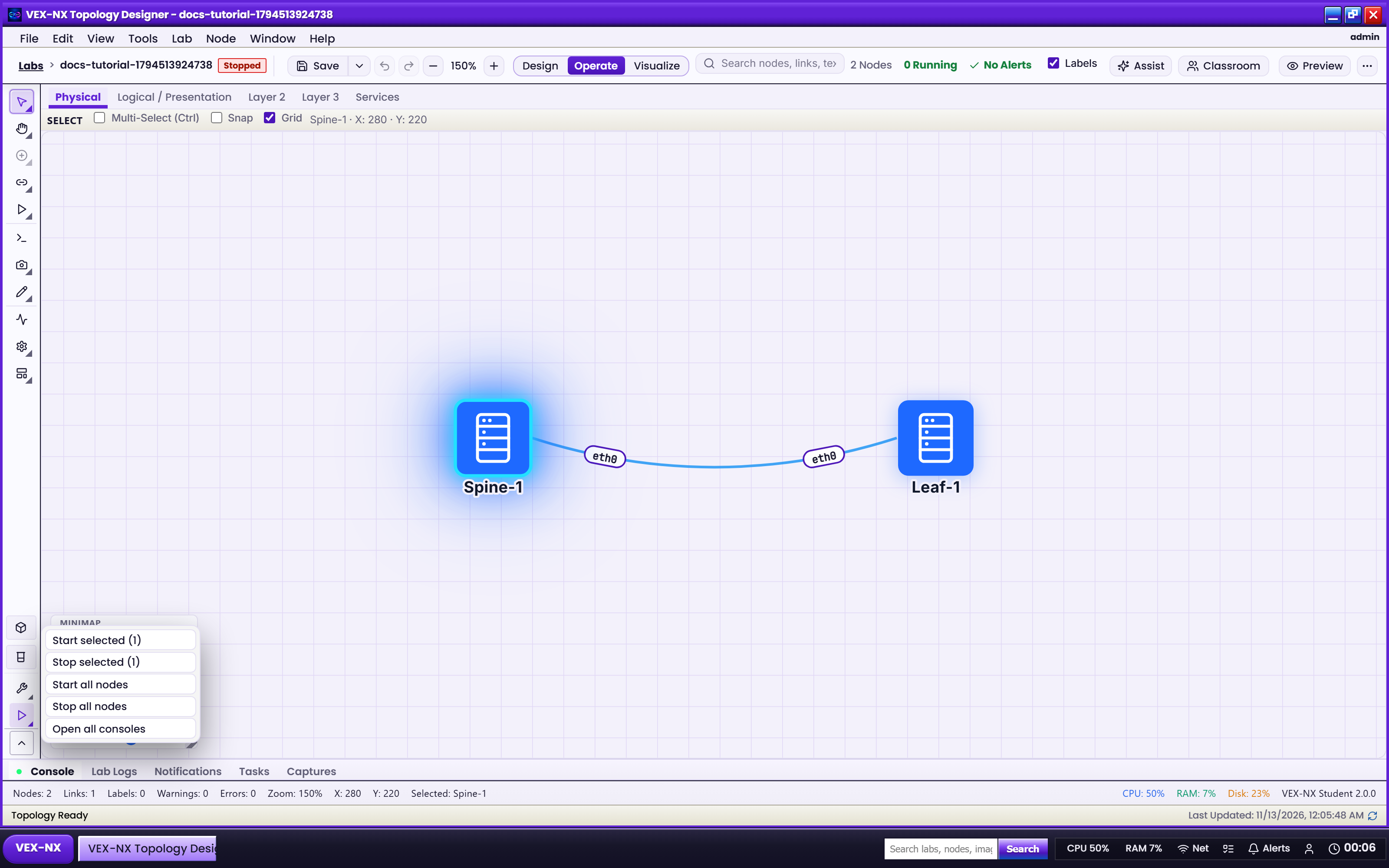
- Operate -> Start the node
- Open Terminal - Operate and consoles
Certified Lite models (catalog)
| Exact template | Lite template | Public name |
|---|---|---|
| cisco-iosv | vex-nx-nos-r100 | VEX-NX-NOS-R100 |
| iosvl2 | vex-nx-nos-s100 | VEX-NX-NOS-S100 |
Image: vex-nx/vex-nx-nos:0.1.0 (build from nos/ on the appliance). Engines are VEX Network Engine + Linux/nft - not stock FRR as the product.
CSR / C8000 / N9K Lite templates are not in the catalog until R100/S100 are fully certified.
Stock frrouting remains a separate teaching template for FRR-specific labs.
API
POST .../nodes with runtimeClass: "lite" remaps cisco-iosv -> vex-nx-nos-r100 and iosvl2 -> vex-nx-nos-s100.
Related
- Design mode
- Source tree:
nos/(IR, CLI, Dockerfile, refs)