Observe and troubleshoot
Packet Journey and Time Machine
Use Packet Journey to reason about modeled packet paths, and Time Machine / fault inject to rewind or stress a lab from the workspace.
Goal
Use Packet Journey to reason about modeled packet paths, and Time Machine / fault inject to rewind or stress a lab from the workspace.
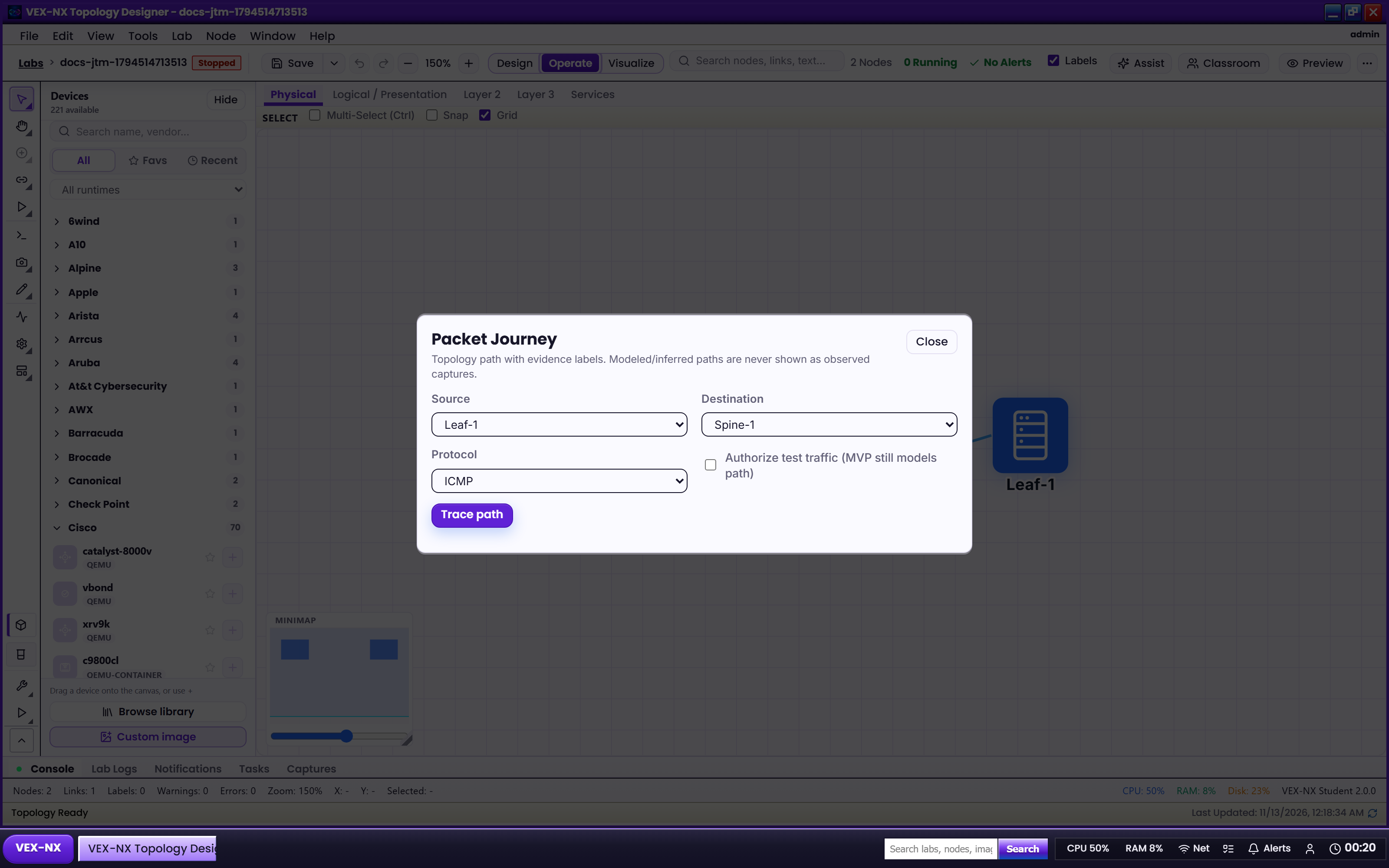
Packet Journey
Open it
Open a lab -> workspace More -> Packet Journey.
What it is
A modeled / inferred path view for teaching and design review. It is not a guarantee of live dataplane capture for every runtime. Prefer Traffic Lens and Packet capture when you need live counters or PCAP evidence.
Recipe
- Build and Start a small topology
- Open Packet Journey from More
- Select source / destination (or follow the panel prompts)
- Compare the painted path with Validate / protocol lenses
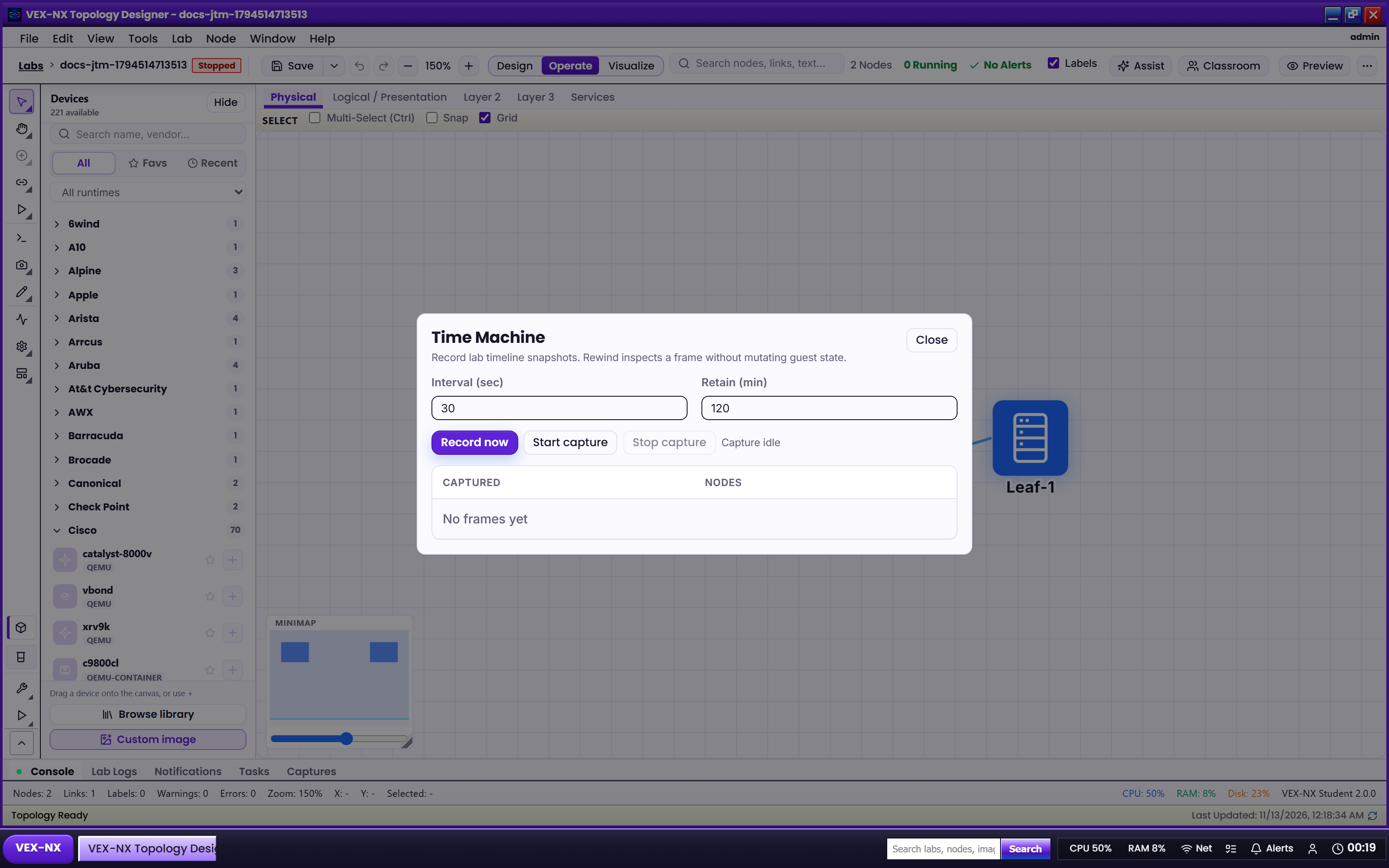
Time Machine and fault inject
Open it
Lab workspace More -> Time Machine (and fault-inject controls where the panel exposes them).
What you get
| Capability | Use it for |
|---|---|
| Time Machine | Lab timeline / restore points for experiment rewind |
| Fault inject | Controlled failures (link / node style chaos) for teaching break-fix |
| Lab versioning | Related lab history APIs / UI when exposed on the lab |
Exact retention and chaos types depend on the appliance build. If a control is disabled, the UI should say unavailable - do not invent CLI workarounds in docs.