Images
Library
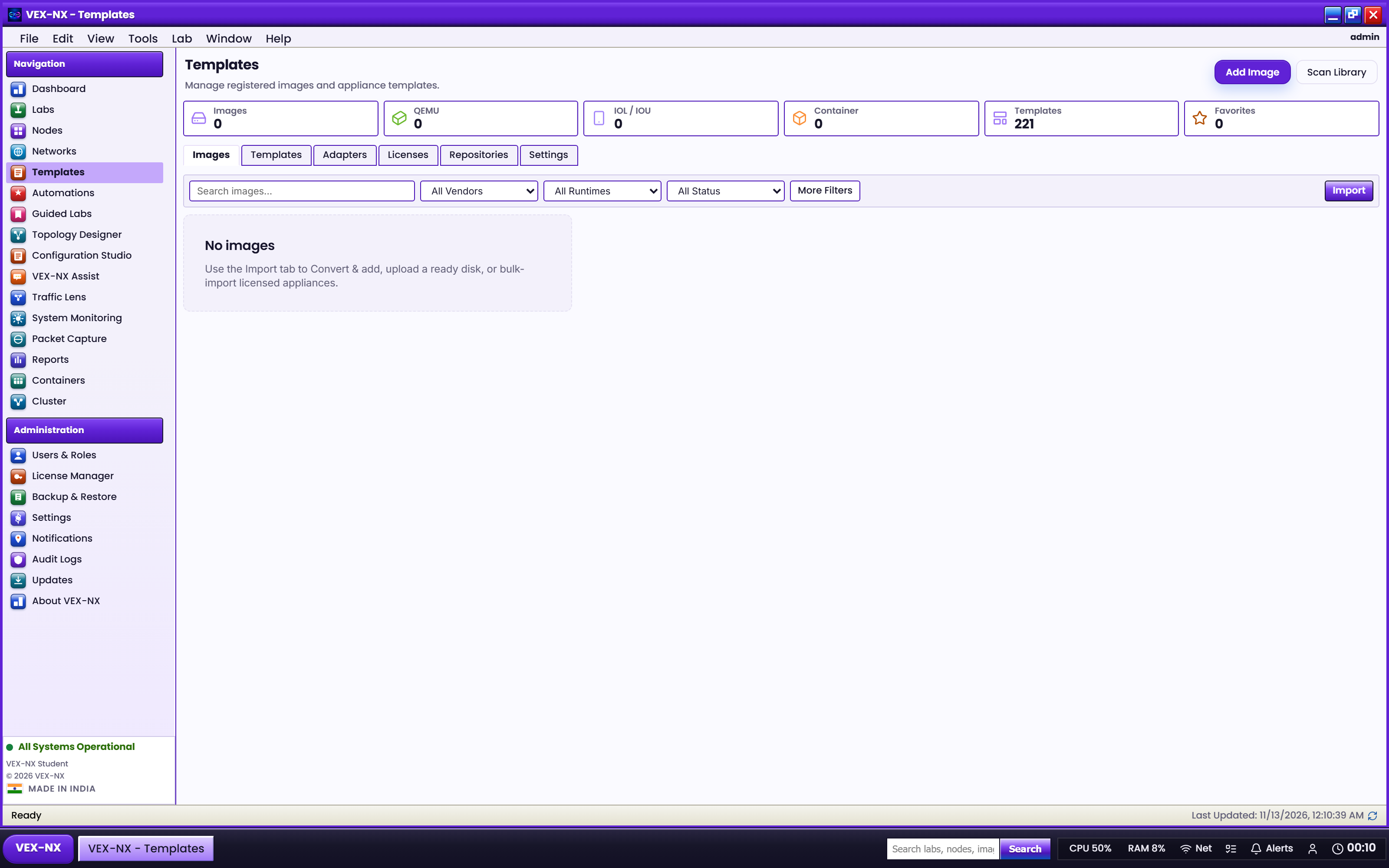
See which disks are on the appliance and which template they bind to.
Goal
See which disks are on the appliance and which template they bind to.
Recipe: browse Library
- Open Images -> Library
- Filter by template family (IOL L2 vs L3 vs IOSvL2 are separate)
- Note size, format, and binding
Recipe: pick a disk at Start
- Start a node that needs a disk
- When prompted, Select a disk image from matching Library entries
- If none match, upload or Convert & add first
Expected result
- Each lab node has a bound disk (or Docker image for container templates)
- Start no longer asks for a missing image
If it fails
- Empty Library -> Import images
- Wrong family match -> check template ID (Supported images)
- Disk full -> Maintenance
Related
- Import images
- Bulk folder import