Images
Catalog and compatibility
Read Images -> Catalog / Compatibility correctly, and know what **Certified** means on VEX-NX.
Goal
Read Images -> Catalog / Compatibility correctly, and know what Certified means on VEX-NX.
Where this lives
Sidebar Images, then tabs:
| Tab | Role |
|---|---|
| Library | Disks already registered on this appliance |
| Catalog | Templates you can place on a lab canvas |
| Compatibility | Support status chips for those templates |
| Import | Convert & add, upload ready disk, bulk import |
Compatibility vocabulary
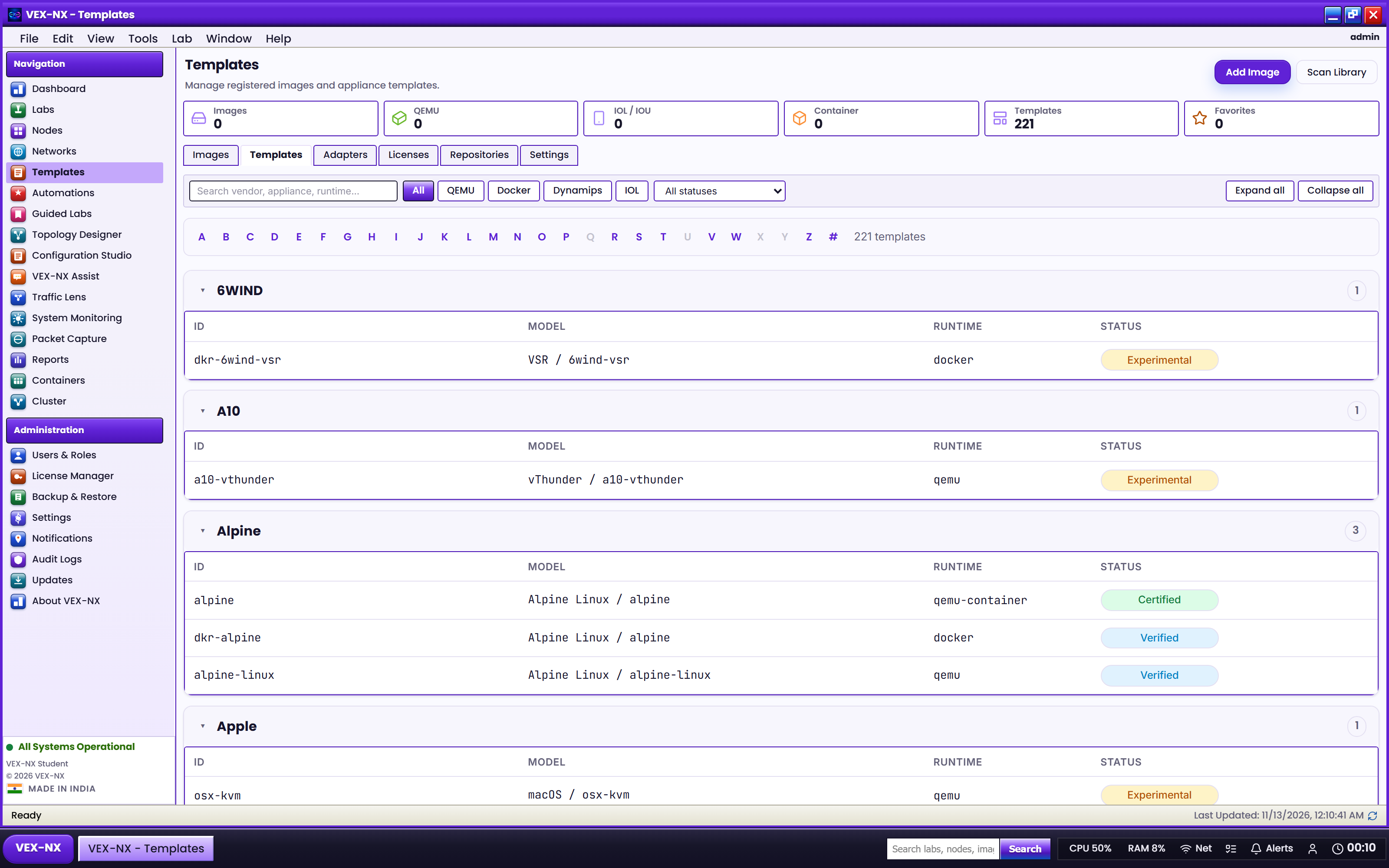
| Status | Meaning |
|---|---|
| Certified | Honest verification passed on VEX-NX for this template: Start, live terminal (serial / VNC / Docker shell as appropriate), guest config path (or documented N/A), then Stop / Wipe / Start retest |
| Verified | Partial smoke (for example first boot). Prefer Certified for class when both exist |
| Experimental | Early or incomplete path - try it, expect tweaks |
| Unsupported / quarantine | Not recommended; often failed validation or blocked import |
Empty status is treated as Experimental in compatibility rows. Always trust the live chips on your appliance after an update - do not rely on a printed list from an older guide.
What Certified does and does not prove
Does prove: the platform path for that template on VEX-NX (boot, console path, day-0 / ScriptPad where applicable, wipe retest).
Does not prove: every vendor image build, interactive GUI workflows beyond the verified console path, or full protocol labs you design yourself. You still supply legally obtained disks and day-0 credentials.
Recipe: check a platform before class
- Open Images -> Compatibility (or Catalog)
- Search the template id (example:
cisco-iosv) - Confirm Certified (or accept Verified / Experimental risk)
- Import your disk under Import and bind it in Library
- Run Validate in a small lab, then Start once before promising the class
FOSS Docker starters
FRR / Alpine Docker templates are intended for teaching. Current OVA/ISO media seed offline tarballs; if Start fails on pull, run sudo vexnx-seed-docker and check DNS.
Related
- Supported images
- Import images
- Lab default credentials
- Operate and consoles