Administration
Management network
Set or change the appliance management IP so you can reach the web UI and SSH.
Goal
Set or change the appliance management IP so you can reach the web UI and SSH.
Why this page exists (Infrastructure)
Labs can be perfect and still fail if the host has the wrong management IP, no DNS, or wrong cloud NIC mapping. Infrastructure is the host control plane - not the lab canvas.
What you see under Infrastructure
| Block | Why |
|---|---|
| Host pulse | Hostname, version, IP, CPU/RAM, KVM / nested virt / Docker |
| Management network (admin) | DHCP vs static on the management NIC (often ens160); applies after reboot + console Keep |
| Cloud uplinks | Map Management / NAT / Bridge clouds to guest NICs (ens160 / ens161 / ens192) |
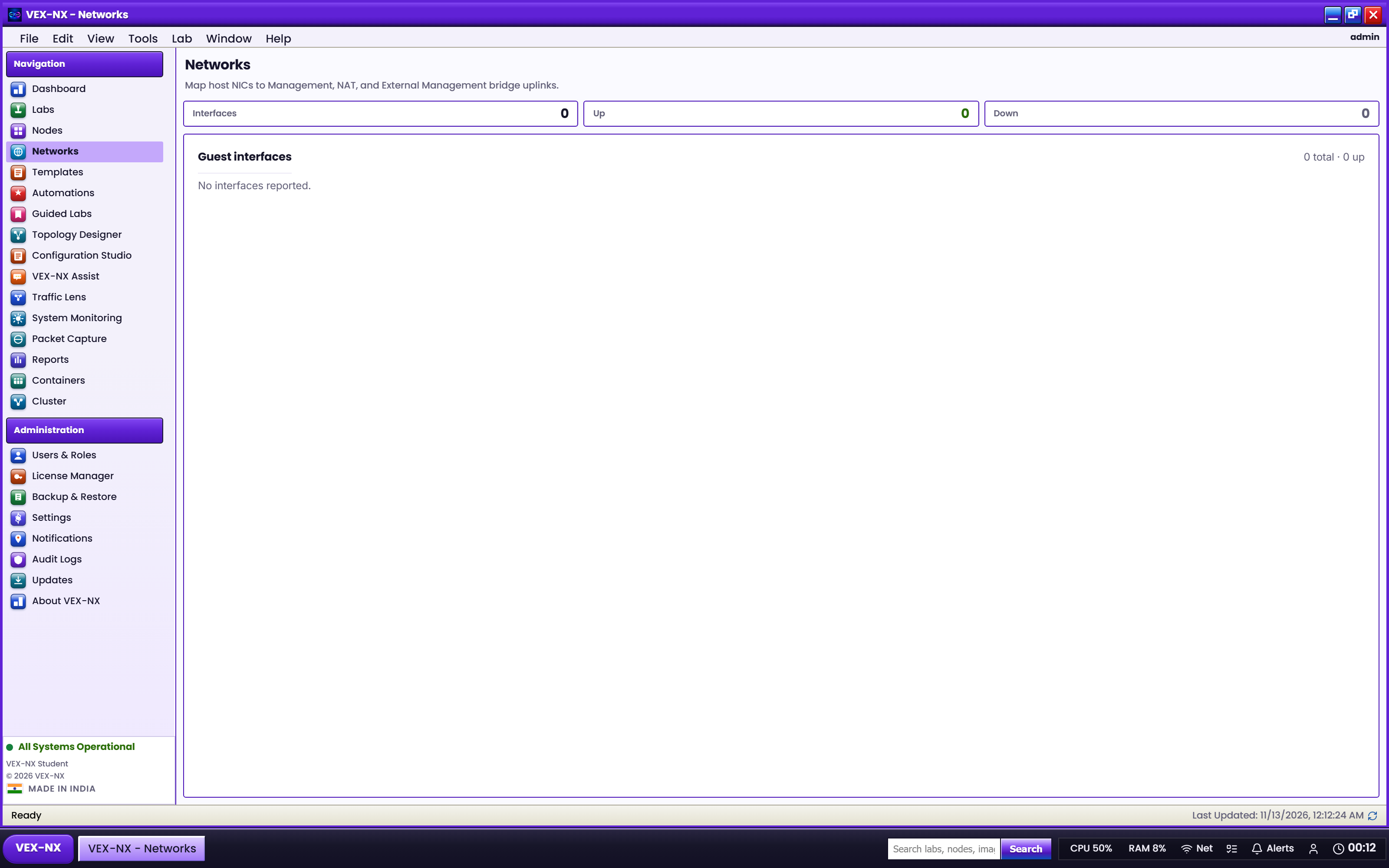
| Guest interfaces | List NICs up/down with hints |
Clouds in Design: Connecting a router to NAT means "reach the internet via the NAT uplink". Wrong uplink mapping = NAT does nothing. Details: Networks and clouds.
First boot (OVA)
The console wizard asks Keep / Change for the management address. Prefer a static IP in classrooms.
Installer (USB)
Subiquity network screen: choose the management NIC, then DHCP or Static (include DNS).
After install (GUI)
- Open Infrastructure
- Open Management network (admins)
- Choose DHCP or Static
- For static: IP, prefix, gateway, DNS
- Save management network
- Reboot when prompted; on the VGA console menu leave Keep so the saved settings apply
Cloud uplinks
- Infrastructure -> Cloud uplinks
- Leave auto unless you reordered NICs
- Save cloud defaults
Expected result
- Browser reaches
http://<management-ip>/ - SSH works as vexnx
- DNS resolves external names (needed if Docker must pull)
If it fails
| Symptom | Fix |
|---|---|
| Static IP disappeared (old ISO) | Re-flash a current ISO; re-apply Management network |
| Web works, Docker pull fails | Set DNS under Management network; sudo vexnx-seed-docker |
| Locked out | Console access; fix IP; check cable / port group |
| KVM / nested virt red | System requirements; expose VT-x to the guest |
Related
- First login
- Networks and clouds
- Menus and toolbars
- Troubleshooting