Images
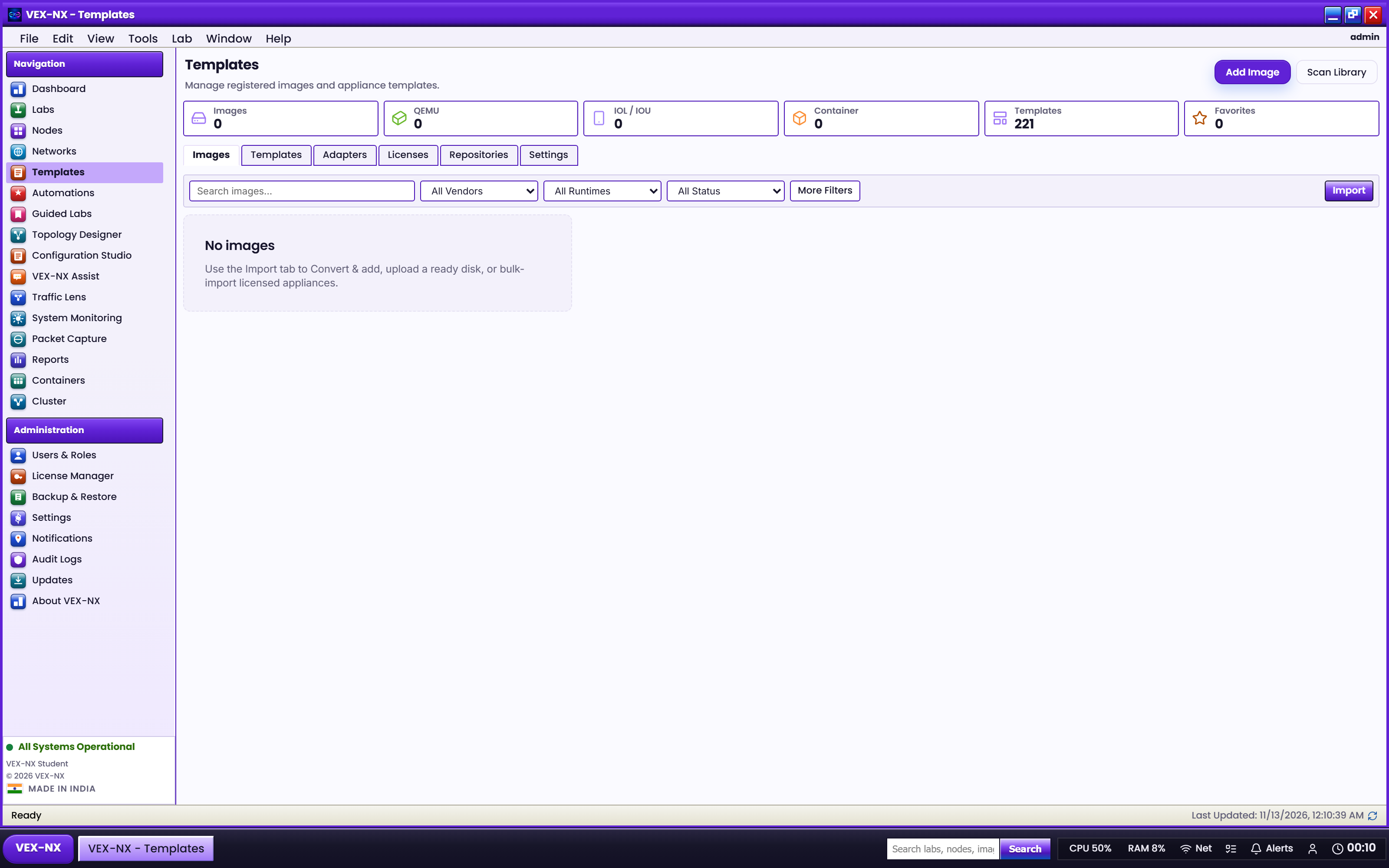
Images overview
Know where disks live and which UI path to use.
Goal
Know where disks live and which UI path to use.
Why Images exist
Vendor NOS files are huge and licensed to you. VEX-NX ships templates and FOSS Docker seeds, not Cisco / Arista ISOs. Without Images, commercial QEMU nodes cannot Start.
Four tabs
| Tab | What it is | Why you open it |
|---|---|---|
| Library | Disk images on this appliance bound to templates | Pick what a node boots |
| Catalog | Template definitions (community + licensed commercial pack) | See which platforms exist |
| Compatibility | Support status: Certified, Verified, or Experimental | Set class expectations |
| Import | Convert & add, upload ready disk, bulk folder import | Get disks onto the appliance |
Think of it this way: Catalog is the blueprint; Library is the files you own; Import is how files get into the Library; Compatibility is "how well do we support this platform?"
Common paths
| Task | Go to |
|---|---|
| See what platforms exist | Images -> Catalog / Supported images |
| Check Certified / Verified / Experimental | Catalog and Compatibility |
| Upload / convert one disk | Import images |
| Import many staging folders | Bulk folder import |
| Bind disks to nodes | Library picker at Start, or node disk inspector |
Story
Class needs IOSv. Admin uses Convert & add once -> Library shows the image -> students' labs pick that image on nodes -> Start works offline.
Important
VEX-NX does not ship vendor NOS images. You import disks you are licensed to use.
FOSS Docker starters (FRR, Alpine) are seeded on current OVA/ISO builds for teaching labs without vendor disks.
Next
- Catalog and Compatibility
- Import images
- Menus and toolbars