Build labs
Recreate production networks
Turn exported device configs into a lab, map them to templates you have images for, and verify it boots.
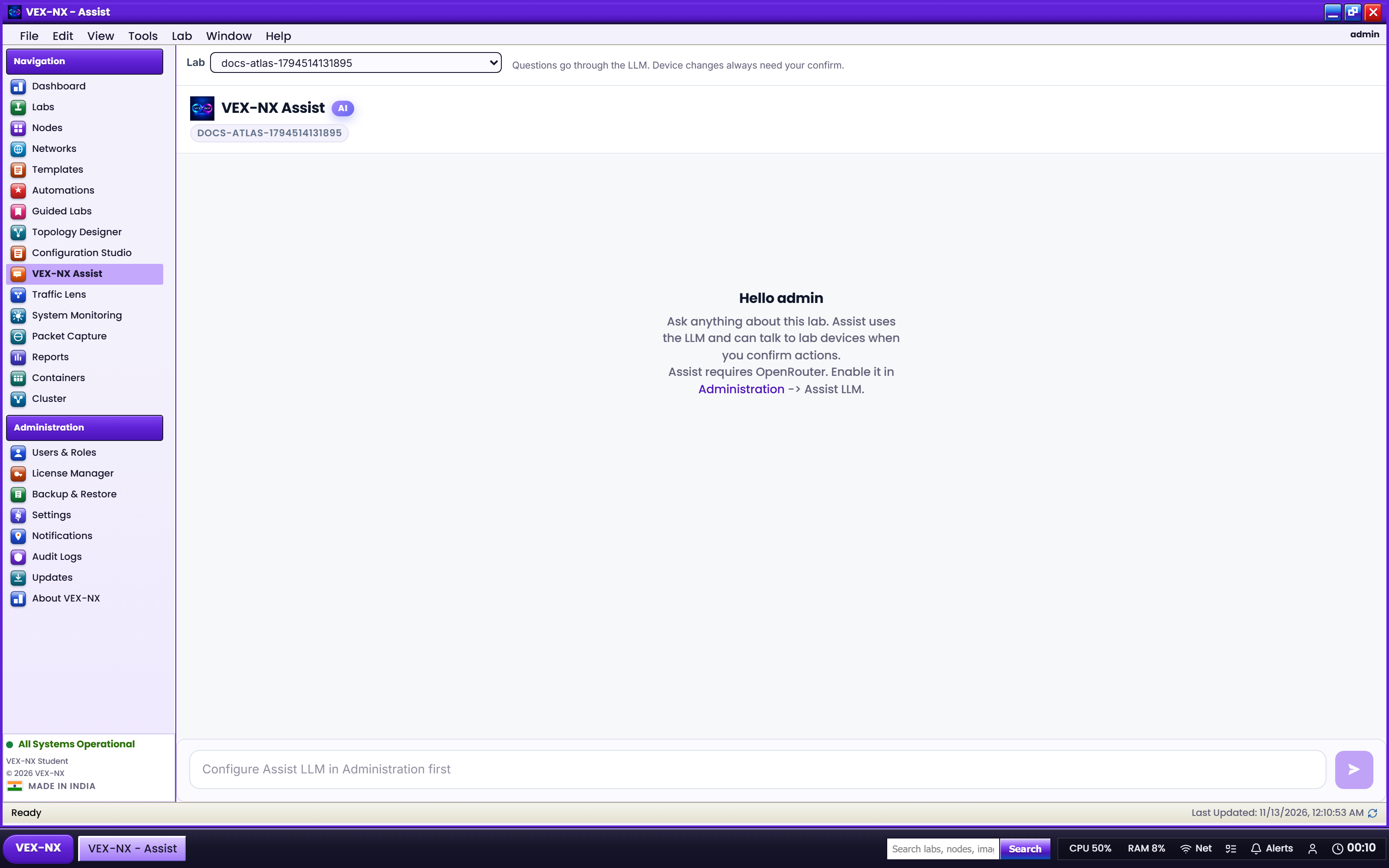
Use this workflow when you have text configs from production or another lab, want VEX-NX to recommend templates and images, or need to move a design across vendors. It works on both Student and Enterprise.
The flow
Production configs
  → Paste into Generate Lab (or ask Assist)
  → Parse devices, interfaces, protocols
  → Map each device to a template you have images for
  → Optional Remap / Redesign to another platform
  → Create the lab with ScriptPad drafts
→ Import matching images → Wipe + Start → verifyStep by step
- Configure Assist if you want Assist-assisted steps. See Assist and OpenRouter.
- Open Generate Lab, or give Assist an import-oriented prompt.
- Start with synthetic or redacted configs. Remove real passwords, SNMP communities, and customer addresses.
- Review detected devices and Map each to a Catalog template you have images for.
- Use Remap or Redesign only when you intend to change platform family.
- Create the lab, assign Library images, and save ScriptPad profiles.
- Wipe, then Start nodes that need day-0 config, and open serial to confirm hostnames.
Caution
When Assist is configured, the text you give it is sent from your appliance to OpenRouter. Redact secrets before pasting real configs.
Limits
- Parsing quality depends on config style and vendor. Always review the canvas.
- VEX-NX does not download proprietary images for you.
- Day-0 success still depends on nested virtualization, RAM, and template support.
- Redesign is an assisted transform. Validate routing and interfaces yourself.