Administration
Assist LLM settings
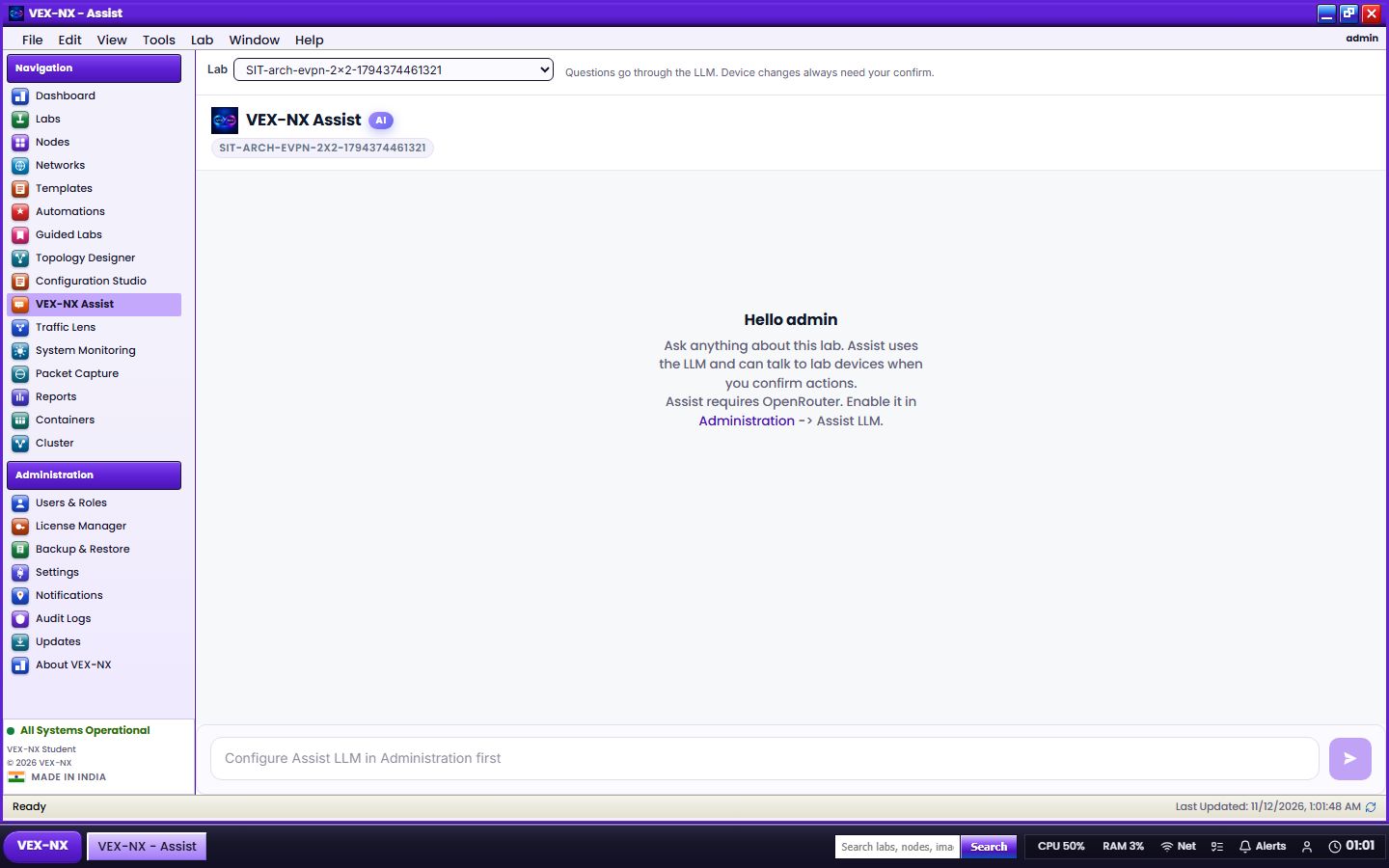
Configure OpenRouter so Assist works for users on a licensed appliance.
Goal
Configure OpenRouter so Assist works for users on a licensed appliance.
Where
Administration -> Assist LLM (admins only).
Recipe
- Confirm the licence includes Assist LLM (Licence)
- Create an API key at openrouter.ai (keep it off GitBook and tickets)
- Enable Enable Assist LLM
- Paste the OpenRouter API key
- Pick a model from the curated list (default is Claude Sonnet 5 class)
- Save LLM settings
- Click Test
- Open a lab and confirm the Assist dock responds
Key field behavior
| Action | How |
|---|---|
| Keep existing secret | Leave the API key field blank, then Save |
| Clear stored key | Enter - in the key field, then Save |
Never paste real keys into GitBook, chat logs, or screenshots.
Requirements
- Commercial edition with Assist
- Outbound HTTPS from the appliance to OpenRouter
- Enough host CPU so requests do not time out under load
Status pill
| Pill | Meaning |
|---|---|
| Ready | OpenRouter configured and Assist entitled |
| Configured | Key present but Assist licence missing |
| Not configured | Enable Assist and set a key |
Expected result
- Test succeeds
- Lab users see Assist replies when their edition allows it
If it fails
| Symptom | Fix |
|---|---|
| Test fails | Key, model id, DNS, firewall egress |
| Users see no Assist | Edition / refresh; confirm Ready pill |
| Timeouts | Smaller / faster model; less host load |
Related
- Using Assist
- OpenRouter LLM