Build labs
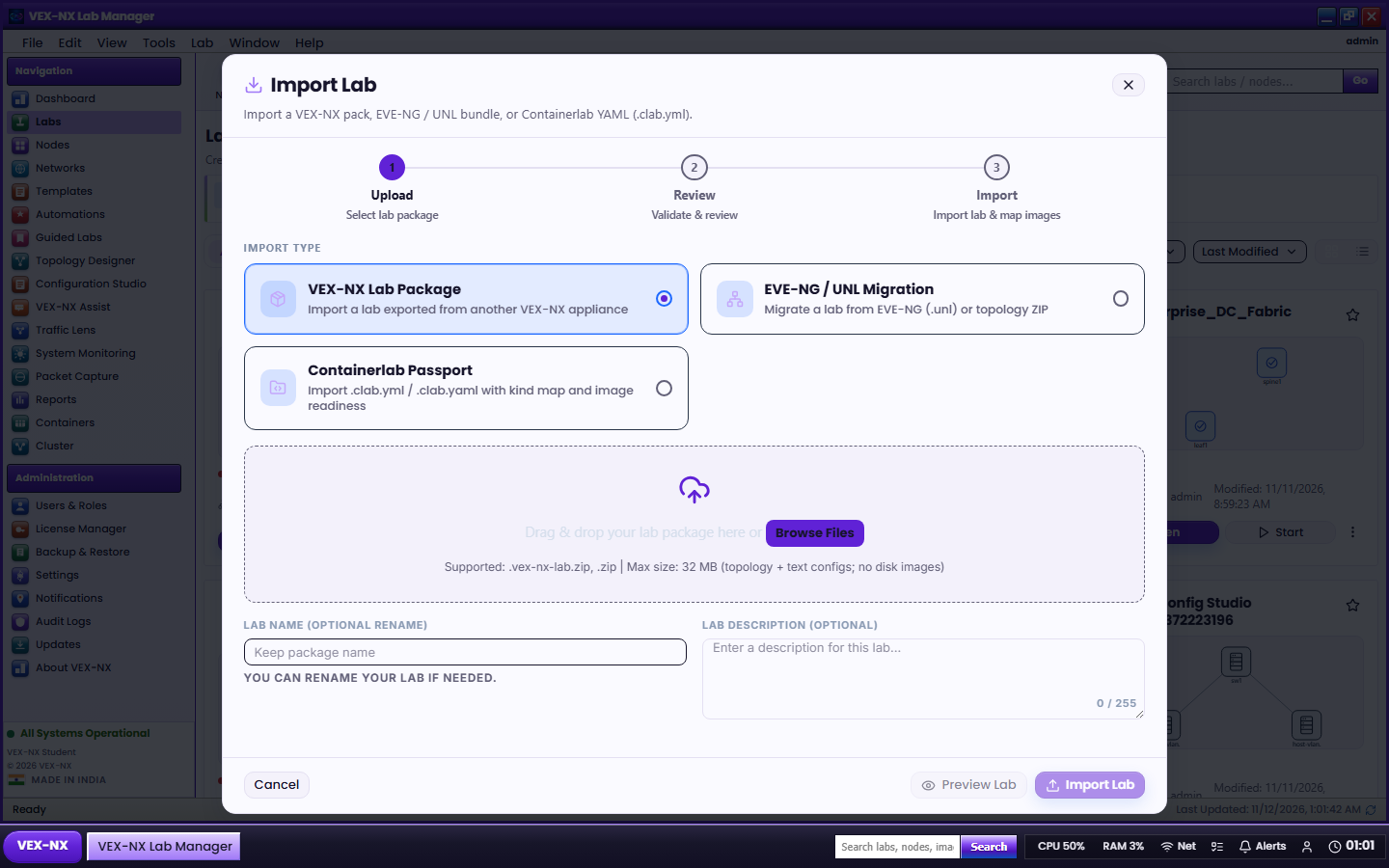
Containerlab Passport
Import a Containerlab topology YAML into VEX-NX, or export an existing lab as Containerlab YAML for interchange.
Goal
Import a Containerlab topology YAML into VEX-NX, or export an existing lab as Containerlab YAML for interchange.
Import
- Open Labs
- Choose Import Containerlab (or the Containerlab import action on the Labs page)
- Select the
.yml/.yamlfile - Preview the mapped nodes / links when offered
- Confirm create - open the new lab in Design and review templates / images
Expected: a lab whose topology matches the Containerlab graph as far as supported runtimes and image mappings allow. Unsupported kinds surface as clear import errors or placeholder notes.
Export
- Open the lab
- Workspace More (or lab export menu) -> Export Containerlab YAML
- Save the downloaded file
Use export for sharing a topology skeleton with Containerlab users. Guest disks and proprietary images are not redistributed - peers still need their own image files.