Images
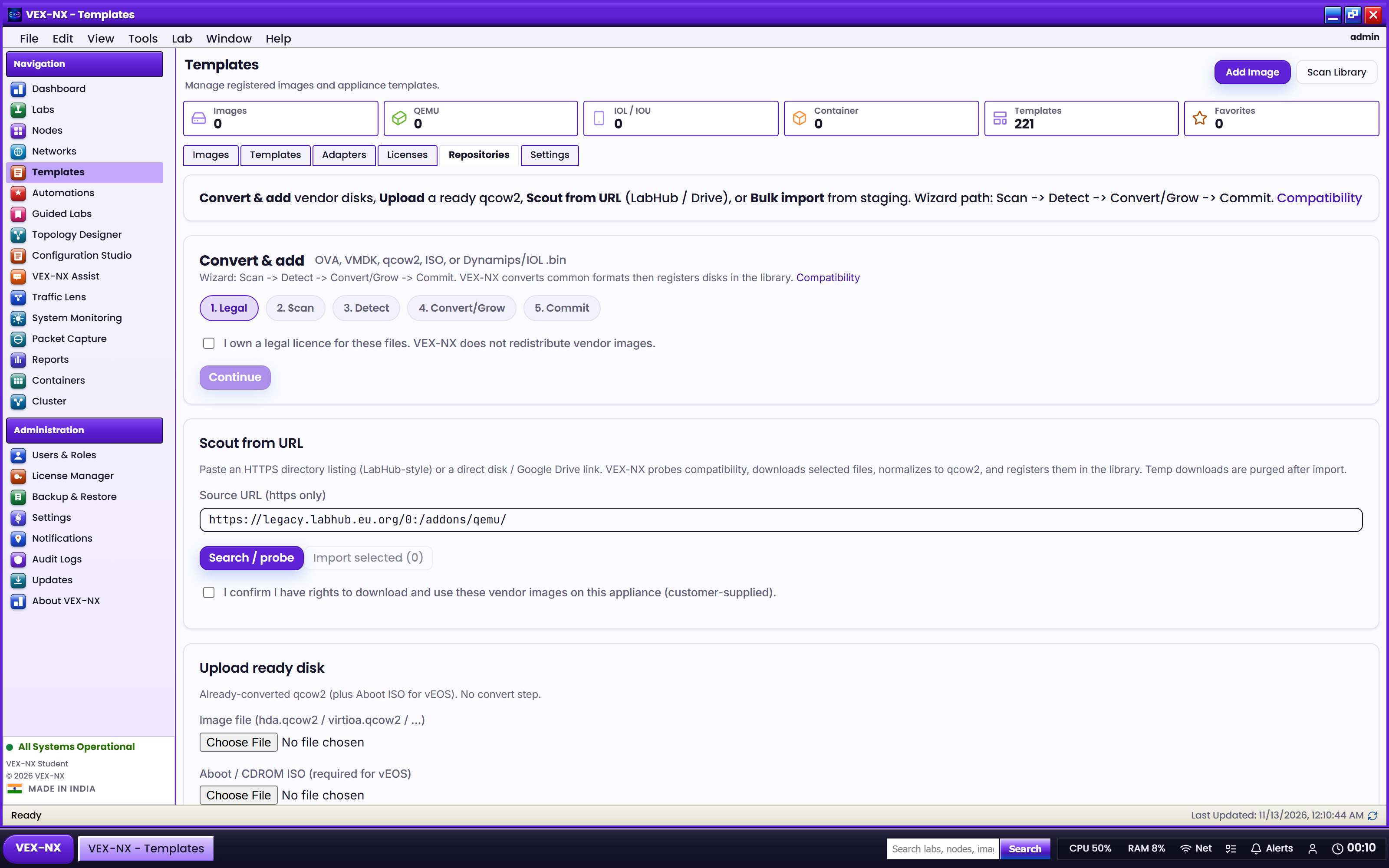
Bulk folder import
Import many EVE-NG style qemu folders in one pass.
Goal
Import many EVE-NG style qemu folders in one pass.
Recipe
- Copy folders to appliance staging (example under
/opt/vex-nx/staging/...) via SCP as vexnx - Images -> Bulk (or Import bulk)
- Scan the staging path
- Review template matches and warnings (split RE/PFE roles, etc.)
- Confirm import for the rows you want
- Check Library
Expected result
- Matched folders appear as Library images bound to templates
- Unmatched folders stay listed with warnings for manual mapping
If it fails
- Path not visible to API -> use documented staging drop zones;
sudo systemctl restart pram-api - Partial import -> fix disk space; re-scan; confirm remaining rows
- Split appliances (vQFX/vMX) -> import both components
Related
- Import images
- Supported images
- Lab default credentials